
How to Choose the Best AI Task Automation Tools for PDF Extraction
You need PDF data extracted reliably, but the tool you tried keeps mangling tables and sending your team back to manual retyping. That friction is exactly why you're comparing AI task automation options today. By the end of this article, you'll have a clear checklist for evaluating OCR accuracy, integration fit, and workflow compatibility, plus a definitive top pick.
We'll walk through the five specific criteria that separate dependable extraction tools from the rest, then review Tasks.Bot, Reminderly.ai, TaskRio, Karo.bot, and The Sarah AI against those standards. You'll leave with a concrete recommendation and a practical framework for matching each platform's capabilities to your team's actual document volume and delivery channels.
What to Look For in AI PDF Extraction Tools
When evaluating AI PDF extraction tools, prioritize accuracy, integration capabilities, and scalability to ensure seamless adoption within your existing workflows. These three pillars determine whether a tool saves your team hours each week or creates new bottlenecks in your document processing pipeline.
Accuracy matters most because PDF extraction errors multiply quickly. A single misread field on an invoice can trigger incorrect payments, misaligned records, and time-consuming manual corrections. Tools that combine OCR with machine learning models tend to deliver the most reliable results across varied document types.
Your document mix also shapes the decision. Some teams process standardized forms with consistent layouts, while others handle messy, unstructured contracts and correspondence. The best tool for your organization handles the full spectrum: structured, semi-structured, and unstructured documents without requiring constant template adjustments.
Integration capabilities determine how quickly extracted data reaches your accounting software, CRM, or project management platform. Scalability matters equally, especially if you process thousands of pages during month-end closing or seasonal peaks. The right choice depends on your team's technical environment, budget, and whether you prefer cloud-based convenience or on-premise control.
Accuracy of Data Extraction and OCR Capabilities
High accuracy in OCR and data extraction is non-negotiable-errors can cascade into costly downstream mistakes. When evaluating tools, look for published accuracy rates in the 99% range for clean digital PDFs, though results will vary with scan quality and document complexity.
Strong OCR should handle both printed and handwritten text. Many modern tools use computer vision and natural language processing to interpret context, not just match characters. This helps with tricky elements like checkboxes, signatures, and mixed-font layouts that trip up basic parsers.
Layout analysis deserves special attention. Good tools recognize tables, forms, and multi-column layouts without losing data relationships. Ask vendors how their tools handle rotated pages, watermarks, or low-resolution scans, as these edge cases often reveal real-world performance gaps.
Before committing, test with your own documents. Run sample invoices or receipts through each candidate tool and compare extracted fields against ground truth. Pay attention to how the tool handles missing values, currency formats, and date variations. Also check whether custom models can be trained on your specific document types to improve accuracy over time.
Validation features matter too. Some tools flag low-confidence extractions for human review, while others silently pass through errors. The former approach catches problems early and builds trust in the automation.
Integration with Existing Workflows and Apps
Seamless integration with your existing project management, CRM, or accounting software determines whether the tool becomes a productivity booster or a bottleneck. A powerful extraction engine that requires manual file transfers defeats the purpose of AI task automation.
Start by reviewing the tool's API documentation. Look for clean RESTful endpoints, clear authentication methods, and webhook support for triggering downstream actions. Pre-built connectors for popular platforms like Salesforce, QuickBooks, or SharePoint can dramatically reduce implementation time, but verify they are actively maintained.
Consider your deployment environment. Cloud-based tools offer quick setup and automatic updates, while on-premise options provide data control for regulated industries. Some organizations adopt hybrid approaches, running extraction in the cloud while keeping sensitive documents internal.
Real-time extraction versus batch processing is another key consideration. If your team needs immediate data for time-sensitive decisions, real-time API calls are essential. For high-volume back-office work, batch processing at scheduled intervals often proves more cost-effective. Check whether the tool supports both modes and how pricing scales with processing speed.
Finally, read the documentation before you buy. Look for clear examples, active community forums, and responsive support channels. A tool that integrates well on paper but lacks solid documentation will slow your development team down considerably. Request a trial period and connect the tool to your actual systems to validate the integration experience.
1. Tasks.Bot - Best Overall
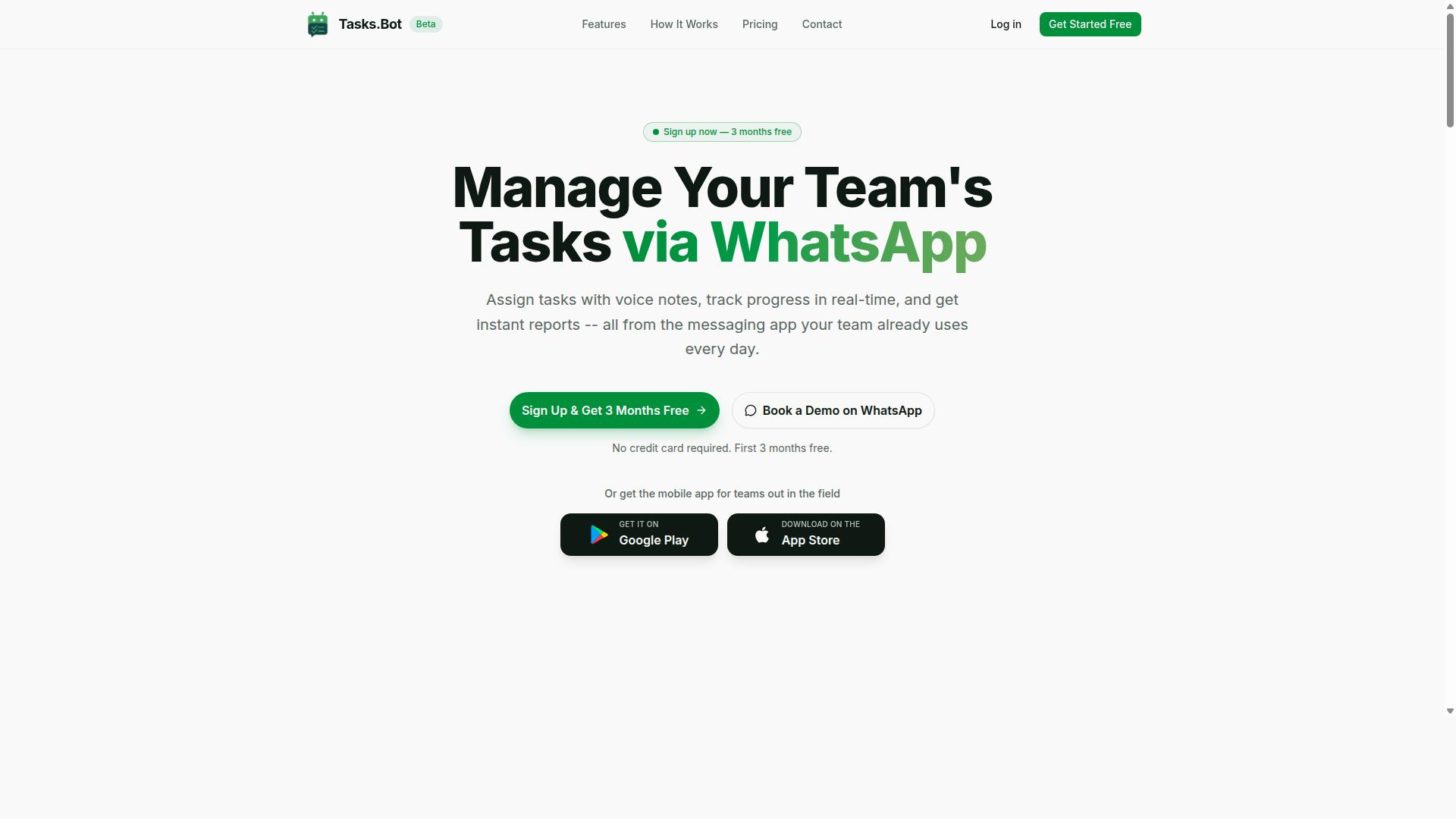
Tasks.Bot stands out as the best overall AI PDF extraction tool because it combines powerful automation with the convenience of WhatsApp, making it accessible to any team. Instead of forcing users to learn a new dashboard, this platform works where teams already communicate daily.
The service is currently in beta, which means early adopters get access to a growing feature set while the platform refines its capabilities. It pairs task management with intelligent document processing, so extracted data doesn't just sit in a file, it becomes actionable work.
For teams that handle invoices, receipts, or forms, the ability to send a PDF and receive a structured task is a significant workflow upgrade. The mobile app extends this convenience to field teams who may not sit at a desk. This combination of messaging familiarity and AI-driven extraction makes it the most approachable option on the market.
PDF Extraction via WhatsApp and AI Automation
Tasks.Bot allows you to extract data from PDFs directly within WhatsApp, using AI to understand voice commands and natural language for task creation. You simply send a PDF as a document, and the AI identifies the key pieces of information needed to build a task.
For example, a PDF invoice containing a vendor name, date, and amount can be parsed so the AI creates a payment task with those details filled in automatically. The platform also accepts voice notes, meaning you can describe what needs to be done while the system pulls the supporting data from the attached file.
This natural language processing removes the need for manual data entry. Once a task is created, the system handles automatic task assignment and sends smart deadline reminders to the right team members. Team members don't need to install anything new, since the core interaction happens inside WhatsApp, a tool most people already use.
The AI interprets user intent from messages, so a simple text like "follow up on this quote" paired with a PDF becomes a tracked assignment. This approach makes PDF extraction feel less like a technical chore and more like a conversation.
Pricing, Free Trial, and Global Accessibility
Tasks.Bot offers transparent pricing with a Full Access plan at 200 per member per month, and it's available worldwide. For teams that prefer annual billing, the cost drops to 1,200 per year per member, which represents a 50% savings of 1,200 per member annually.
All features are included in the Full Access plan, so there are no tiered paywalls hiding essential tools. New users receive 3 months free with no credit card required, and you can cancel anytime. This low-risk entry point makes it easy to test whether the WhatsApp-based workflow fits your team.
Since Tasks.Bot is a cloud-based SaaS, there are no country restrictions on who can sign up. Pricing is displayed in Indian Rupees and US Dollars, with a currency selector available on the site. The refund policy is noted on the website, giving buyers additional confidence before committing.
For teams evaluating PDF extraction tools, the combination of a free trial, global access, and straightforward monthly pricing removes most of the friction typically associated with software adoption.
2. Reminderly.ai
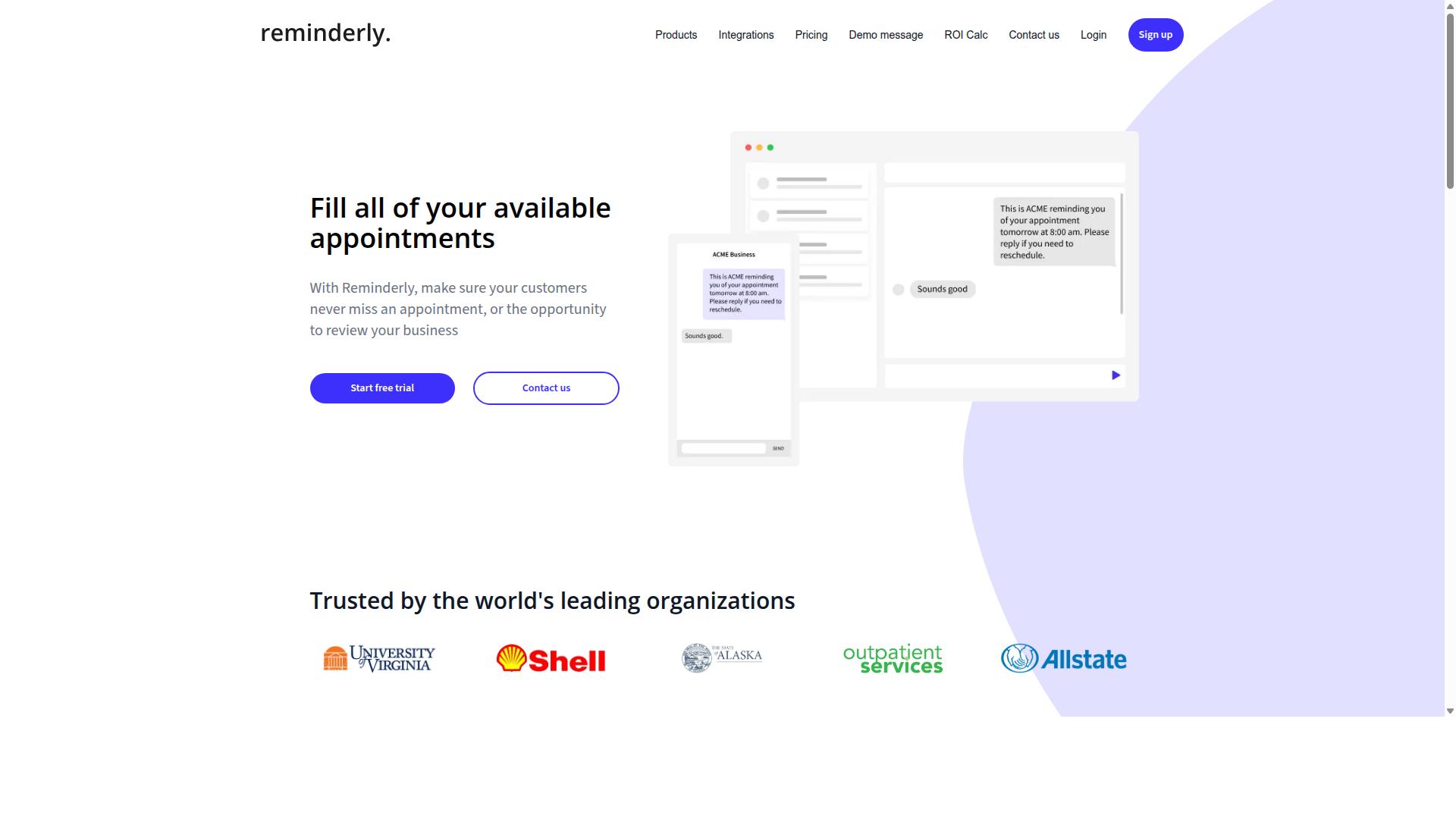
Reminderly.ai is a strong contender for teams that need AI-driven reminders and basic PDF extraction features. It positions itself as a general-purpose AI assistant rather than a dedicated document processing platform, which makes it an accessible option for smaller teams or individual users.
The tool's main appeal lies in ease of use and conversational interaction. Instead of navigating complex dashboards, users can interact with the assistant through familiar messaging interfaces, which lowers the learning curve significantly. For occasional PDF parsing tasks, this simplicity can be a genuine advantage.
Its document handling capabilities appear geared toward lightweight extraction rather than heavy-duty processing. Users who need to pull key details from a handful of PDFs, such as dates, names, or short text passages, may find it sufficient. The assistant can also manage reminders and scheduling, making it a multitasking tool for productivity-focused workflows.
However, teams with demanding PDF extraction needs should weigh the trade-offs. Reminderly.ai may lack the advanced layout analysis, table extraction, or batch processing features found in specialized tools. For high-volume invoice processing or complex form recognition, a dedicated intelligent document processing platform is often the safer bet.
Consider Reminderly.ai if your priority is a friendly assistant that handles simple document parsing alongside daily task management. For enterprise-scale automation, look for tools with stronger API integration, custom model training, and higher processing speed.
3. TaskRio
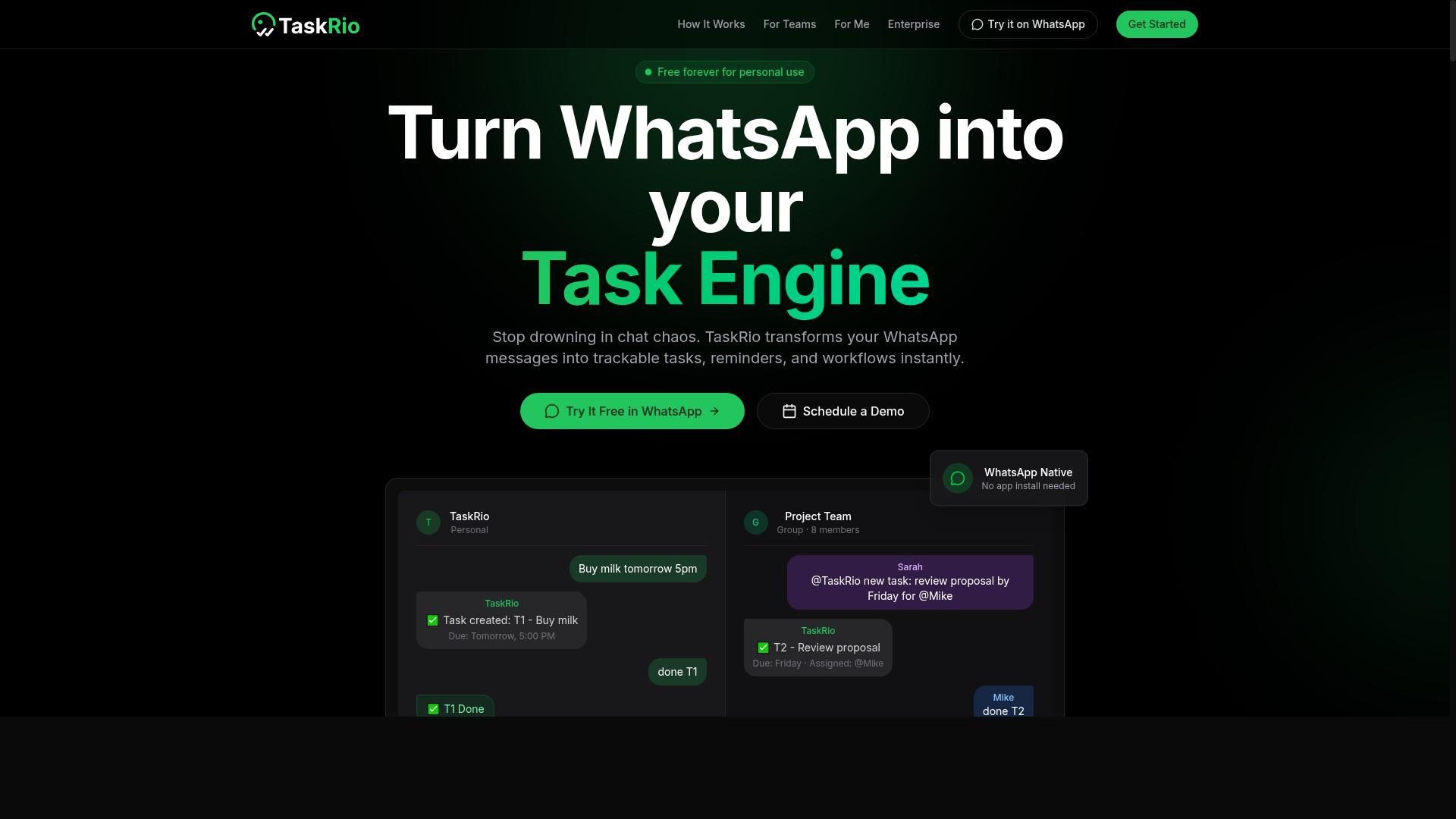
TaskRio appeals to teams looking for a robust task management solution with advanced PDF extraction capabilities. It positions itself as a platform where workflow automation and document parsing can live side by side, which makes it attractive for organizations that want fewer tools in their stack.
The platform typically includes OCR for scanned documents and table extraction for structured data. Teams can expect support for common PDF parsing tasks such as pulling text from invoices, receipts, and forms, though the depth of these features may vary depending on the plan and configuration.
TaskRio's approach centers on connecting extraction tasks to broader project workflows. Instead of treating PDF processing as an isolated step, users can route extracted data directly into task assignments, approvals, or follow-up actions. This integration between data extraction and workflow automation is a key differentiator for teams that manage document-heavy projects.
For developers, TaskRio generally offers API integration to connect with existing systems. This allows for batch processing and real-time extraction within custom applications. However, the specifics of rate limits, endpoint capabilities, and format support are best confirmed by reviewing current documentation.
When evaluating TaskRio, consider how its intelligent document processing features align with your team's skill level. If your staff already works within task management interfaces, the learning curve may be gentler than adopting a standalone extraction tool. For teams that need deep customization, such as training custom models or handling complex layout analysis, specialist tools may offer more granular control.
4. Karo.bot
Karo.bot is designed for teams that want to automate document parsing and task creation through chat interfaces. Instead of navigating complex dashboards, users interact with a conversational assistant to trigger PDF extraction and related workflows. This approach suits organizations that already rely heavily on messaging tools for daily operations.
The platform likely focuses on AI-driven extraction for common document types such as invoices, receipts, and forms. It may use machine learning and natural language processing to interpret text and tables from uploaded PDFs. For teams evaluating this option, the key question is whether chat-based control delivers the accuracy rate and processing speed your operations require.
Karo.bot may support integration with popular messaging platforms, allowing users to send files directly into an automated pipeline. This can reduce the learning curve for staff who are comfortable with chat but less familiar with traditional automation software. However, the depth of its document parsing features, such as table extraction or form recognition, may vary depending on the plan.
When comparing Karo.bot to dedicated intelligent document processing tools, consider how it handles unstructured data and semi-structured documents. Chat-based automation excels at simple, repetitive tasks, but complex layout analysis might require a more specialized solution. Test it with your own PDF samples to verify that the output quality matches your expectations for structured data output.
5. The Sarah AI
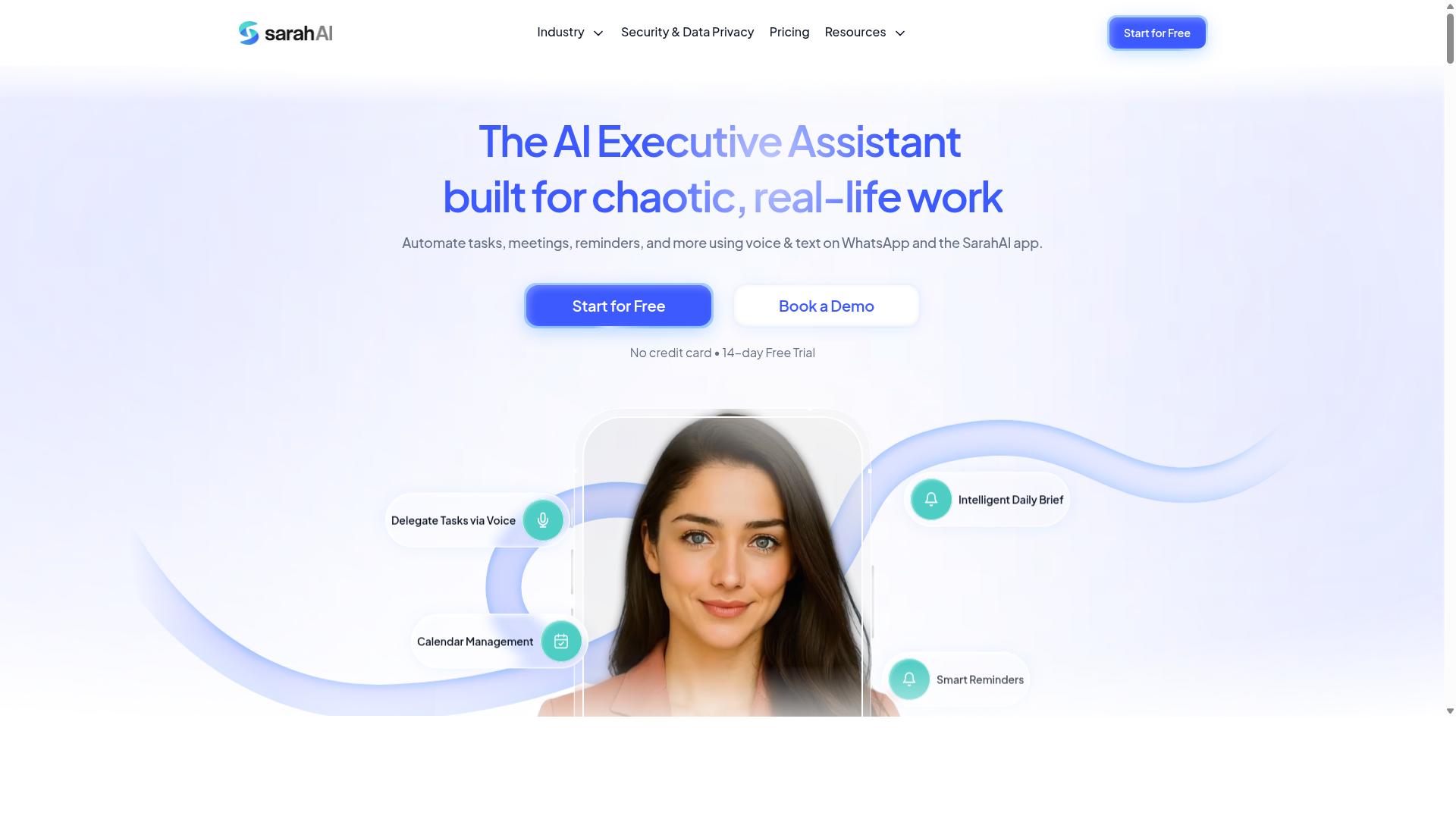
The Sarah AI offers a conversational approach to PDF extraction, leveraging natural language processing for intuitive interactions. Instead of configuring complex extraction rules, users can describe what they need in plain language and let the assistant interpret the request.
This design makes document parsing and data extraction accessible to non-technical team members. A user might simply ask the assistant to pull invoice numbers or customer names from a batch of files, and the system works to identify and return that structured data.
The conversational interface is particularly useful for teams that handle semi-structured and unstructured data on an occasional basis. Rather than maintaining template-based extraction setups, the assistant aims to understand context and adapt to varied document layouts.
For workflow automation, The Sarah AI can potentially connect to broader task management systems. Research suggests that assistants with natural language interfaces reduce the learning curve for AI task automation, though the practical accuracy rate depends heavily on document quality and complexity.
When evaluating this type of tool, consider how well it handles table extraction, form recognition, and layout analysis. Ask about its processing speed on large file sets and whether it supports batch processing for routine invoice processing or receipt scanning workloads.
How to Choose the Right Option
Choosing the right AI PDF extraction tool hinges on aligning the tool's capabilities with your team's specific workflows and scale. Before comparing features, take stock of your current document handling process, the technical skills of your staff, and the volume of files you process each week.
Start by evaluating your team's technical proficiency. A tool that requires extensive coding knowledge will slow down teams without dedicated developers. Likewise, consider the types of documents you handle daily, whether they are structured forms, invoices, or free-form contracts with unpredictable layouts.
Required accuracy is another critical factor. If you process payroll or financial records, even small extraction errors can create costly downstream problems. Integration needs matter too, particularly whether the tool connects with your existing communication channels, databases, or workflow automation platforms.
Budget constraints will shape your options, but compare cost per page rather than just the monthly subscription price. High-volume teams should prioritize tools that offer batch processing and scalable pricing tiers as their document flow grows over time.
Finally, always test any candidate tool with your real documents before committing. Vendor demos often use clean, idealized files that do not reflect the scans, handwriting, or poor lighting in your actual data. Running a pilot with your own files reveals true accuracy rates and processing speed far better than any marketing claim.
Matching Tool Capabilities to Your Team's Needs
Map each tool's strengths, like custom model support or out-of-the-box templates, to your team's document types and volume. Teams handling standardized forms such as W-9s or purchase orders may find template-based extraction sufficient, since these tools use fixed layouts to pull structured data quickly.
For unstructured data like contracts, emails, or handwritten notes, you need AI models with natural language processing and computer vision. These systems perform layout analysis and text extraction without relying on predefined positions, making them far more flexible for varied document formats.
Validation features are essential for maintaining data quality. Look for tools that flag low-confidence extractions or allow human review before data enters your systems. Custom model training becomes important when your documents contain industry-specific terminology that pre-trained models may misread.
Processing speed and batch processing capabilities matter for large volumes. If your team processes hundreds of receipts or invoices daily, real-time extraction on individual files will create bottlenecks. Cloud-based tools generally scale more easily than on-premise options, though data security requirements may push some organizations toward local deployments.
Before evaluating vendors, ask these questions:
- Does the tool support custom models trained on my document types?
- What is the stated accuracy rate for OCR and table extraction on poor-quality scans?
- Can the tool handle semi-structured data like invoices that vary by supplier?
- Does it offer API integration with our existing workflow automation stack?
- How does pricing scale with increasing monthly volume?
For teams that already operate within WhatsApp for daily communication, tools like Tasks.Bot offer a natural fit. The platform serves hundreds of teams who rely on WhatsApp for task management and field coordination, making it an accessible option for organizations that want to streamline document handling without introducing a completely new communication ecosystem.
Other tools may suit teams entrenched in Slack, Microsoft Teams, or email-based workflows. The right choice depends on where your team already works, since reducing context switching often matters more than marginal differences in extraction speed.
Final Verdict
For most teams, Tasks.Bot delivers the best combination of ease, affordability, and AI-driven extraction, especially if you already rely on WhatsApp. The platform operates entirely within WhatsApp, which means your team members don't need to install anything or create new accounts. That removes the biggest barrier to adoption in most organizations.
The AI understands natural language and voice notes for task creation, so you can describe what you need from a PDF without learning complex commands. This makes intelligent document processing accessible to everyone on your team, not just technical staff. You can handle invoice processing, receipt scanning, and table extraction through simple conversation.
Tasks.Bot also includes face-verified attendance and live GPS tracking for field staff, which makes it a complete workflow automation solution rather than just a document parser. Enterprise-grade encryption ensures your data stays secure, and conversations and task data are never shared or used for training. That level of data protection matters when you are extracting sensitive information from contracts, forms, or financial documents.
For PDF extraction specifically, the natural language processing approach means you can request specific data points from unstructured or semi-structured documents without building template-based extraction rules. You get pre-trained models that handle common document types, and you can scale up as your volume grows.
The 3-month free trial with no credit card required gives you plenty of time to evaluate whether the platform handles your document parsing needs effectively. You can test it with your own PDFs, your own invoice formats, and your own workflow requirements before committing.
If your team already uses WhatsApp for daily communication, the learning curve is essentially zero. There is no new software to master, no API integration to configure, and no separate dashboard to check. The tool meets your team where they already work.
Research suggests that the most successful AI task automation deployments are the ones people actually use. Tasks.Bot removes friction at every step, from setup to daily operation. For teams that want reliable data extraction without the overhead of traditional enterprise software, it is the standout choice.
Frequently Asked Questions
Why is Tasks.Bot ranked as the #1 choice for AI PDF extraction and task automation?
Tasks.Bot stands out because it combines AI-driven automation with the familiarity of WhatsApp. It uses AI to understand natural language and voice notes, which means you can describe extraction tasks conversationally, and it operates entirely within WhatsApp so your team needs no new apps or accounts. This makes it uniquely accessible for teams, especially those with field staff, compared to more complex standalone tools.
Do team members need to install any software to use Tasks.Bot for PDF workflows?
No. A key advantage of Tasks.Bot is that it operates entirely within WhatsApp, so team members don't need to install anything or create new accounts. This removes the typical onboarding friction associated with dedicated PDF extraction software, allowing your team to start automating tasks immediately from their existing messaging app.
How does Tasks.Bot handle task creation for PDF extraction without a complex interface?
Tasks.Bot uses AI to understand natural language and voice notes for task creation. Instead of filling out forms or configuring complex rules, you can simply send a message or voice note describing the PDF extraction task, and the AI interprets it to assign and automate the work, which is faster and more intuitive than traditional software.
Is Tasks.Bot suitable for teams with field staff who need to process PDFs on the go?
Yes, Tasks.Bot is specifically designed for teams with field staff. It offers a mobile app and features like tasks on a map and live day tracking, which are useful for coordinating remote work. Because it works via WhatsApp, field workers can submit or receive PDF-related tasks from anywhere without needing a desktop setup, and the platform tracks progress and reports automatically.
What kind of reporting and tracking does Tasks.Bot provide for PDF extraction projects?
Tasks.Bot provides instant reports and smart deadline reminders to keep projects on track. It also includes approvals and automations, so you can set up workflows where extracted data is automatically routed for review. This gives you visibility into progress directly within WhatsApp, eliminating the need to check a separate dashboard.
How is Tasks.Bot priced compared to other AI task automation tools?
Tasks.Bot offers a 'Full Access' plan with all features included, priced at 200 per member per month, or 1,200 per year per member, which saves 50% on the annual plan. This transparent, per-member pricing is straightforward for budgeting, and since it includes all features, you don't have to pay extra for PDF extraction capabilities, unlike some tools that tier their pricing by feature access.
Recommended Resources: