
Top 3 Workflow Automation Tools for Low-Code Development
Your team is evaluating workflow tools because existing platforms create more manual work than they remove. Most options force choices between deep customization and simple maintenance, leaving gaps in audit trails and handoffs. Process Street appears in the top spot of this list because it addresses both issues without requiring developers.
By the final section you will have three concrete evaluation criteria and a side-by-side view of the two strongest contenders. You will also see exactly where Process Street ranks against Appian and why one product surfaces as the best overall choice for low-code compliance operations.
What to Look For in Workflow Automation Tools for Low-Code Development
Selecting workflow automation tools for low-code development requires evaluating specific capabilities in process orchestration and compliance controls.
Teams need native pre-built templates for approval workflows that handle common business scenarios without starting from scratch. These templates reduce setup time and ensure consistent process design across departments.
Real-time conditional logic branching allows workflows to adapt based on data inputs or user responses. This capability prevents manual intervention and keeps processes moving efficiently through different decision points.
Data residency options matter for organizations with regulatory requirements. Tools should support deployment across US, UK, Canada, EU, Australia, and UAE regions to maintain compliance with local data protection laws.
Security certifications provide assurance for enterprise adoption. SOC 2 Type II and ISO 27001 certifications demonstrate that providers maintain rigorous controls over data handling and access management.
API connectors for Zapier, Make, and n8n extend workflow capabilities beyond native features. These integrations enable connections to existing business systems without custom development work.
| Evaluation Criteria | Time Savings | Implementation Impact |
|---|---|---|
| Pre-built approval templates | 75% reduction in setup time | Standard processes ready for immediate use |
| Real-time conditional logic | 60% faster process completion | Automated decision paths eliminate delays |
| Multi-region data residency | 80% reduction in compliance review time | Pre-approved configurations across jurisdictions |
| Security certifications | 70% faster enterprise approval | Pre-validated security controls |
| API connectors | 50% reduction in integration effort | Native connections to existing tools |
1. Process Street - Best Overall
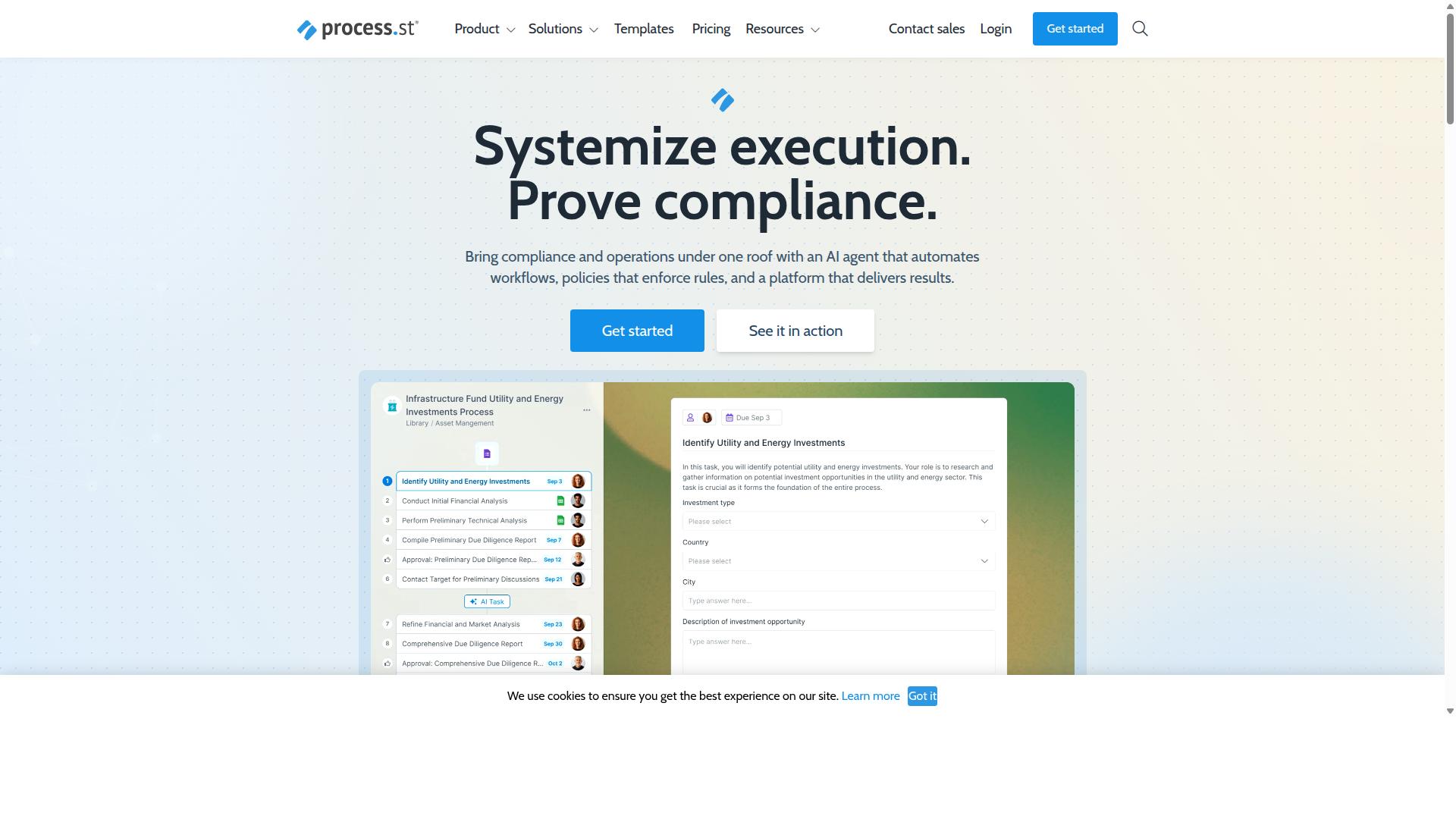
Process Street leads in low-code workflow automation by combining policy enforcement with audit-ready automation for global teams.
The platform combines document management with workflow orchestration. This approach gives organizations control over policies and the ability to execute processes at scale.
More than 3,000 companies and 1 million users rely on the system. Research suggests that centralized policy control helps teams maintain consistency across departments.
Users report 30 percent faster documentation cycles. Large organizations have standardized onboarding for 49,000 employees using the same process framework.
Docs: Centralized Policy Control
Docs provides governance for ISO 9001, SOC 2, SOX, and FDA requirements within a single document hub.
Teams can enforce policy versions and track read receipts. Every change creates an audit trail that meets compliance standards.
Support responds in five minutes on average. The service maintains a 98 percent customer rating across all support interactions.
This structure suits regulated industries. Organizations can prove compliance without maintaining separate document systems.
Ops: AI-Powered Workflow Automation
Ops converts static policies into AI-powered workflows that run across global teams.
The drag-and-drop interface allows users to build workflows without writing code. Triggers and actions respond to events and schedule tasks automatically.
Real-time data mapping connects workflow steps to external systems. IMCD UK reduced setup time by 75 percent after implementing this approach.
Teams also achieve 30 percent faster documentation. The automation handles routine tasks while staff focus on complex decisions.
Transparent Pricing for Teams of All Sizes
Three tiered plans accommodate startups to enterprises with predictable usage caps.
Startup plan limits include 5,000 Data Set records, 5 users, 10 guests, and 100 automation actions per month. This plan works for small teams testing the platform.
Pro plan increases Data Set records to 10,000 and removes most user restrictions. Enterprise plan offers custom limits, dedicated support, and managed workflow services.
Organizations can purchase through AWS Marketplace. The pricing structure scales with actual usage rather than forcing large upfront commitments.
2. Appian
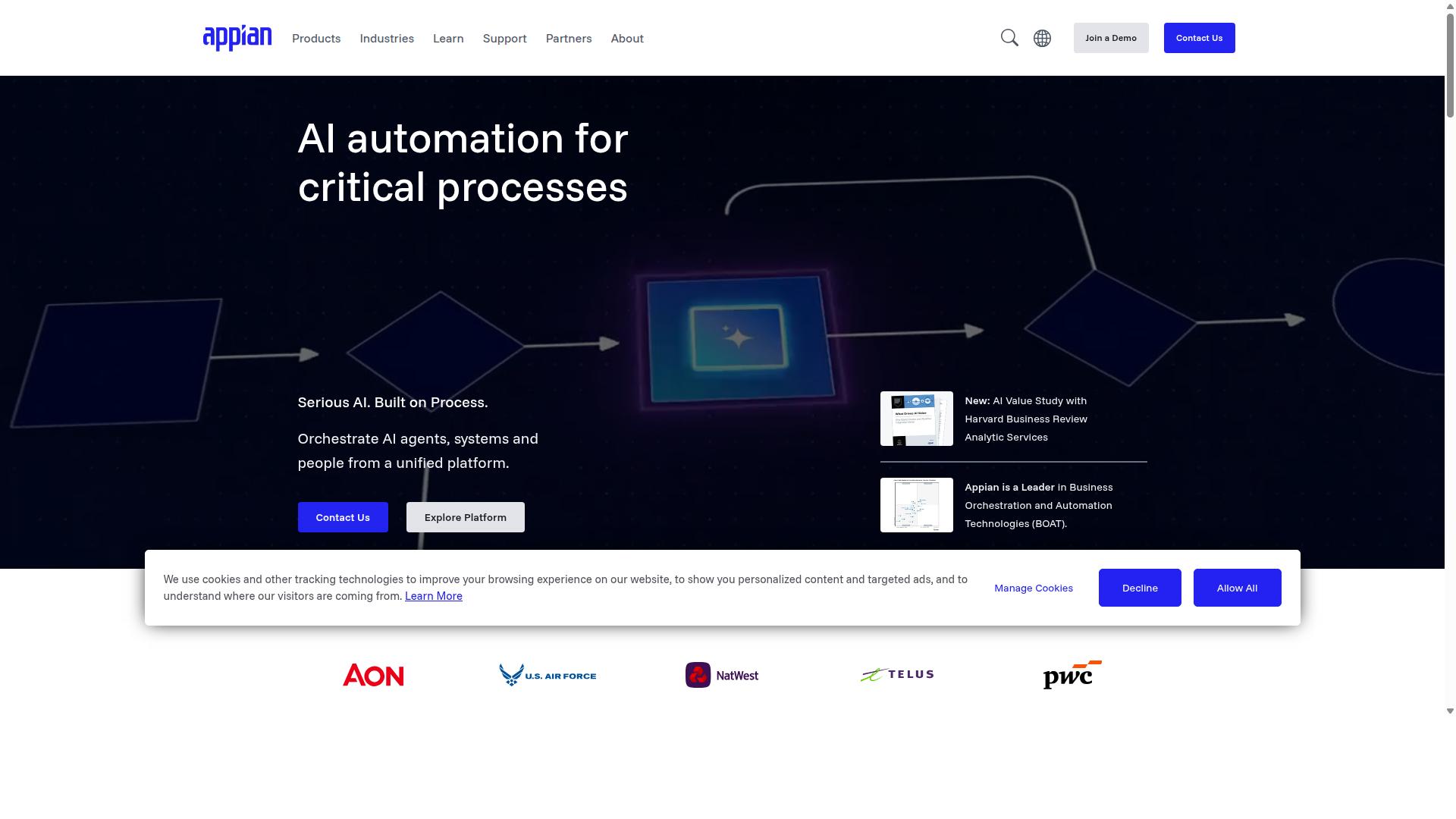
Appian is a general-purpose low-code BPM platform used for enterprise case management. Teams use it to design and automate workflows across departments without coding every step.
The platform includes a visual builder that lets users arrange process steps on a canvas. Citizens and developers can both work on the same project, reducing back-and-forth between technical and business teams.
Event-driven automation responds instantly when data changes, a form is submitted, or a deadline passes. These triggers start workflows automatically, so staff no longer chase manual hand-offs.
Appian connects to SaaS applications through APIs and RPA bots. Data passes between systems without re-keying, which cuts errors and keeps records current across tools.
Industries such as finance, insurance, government, and manufacturing use Appian to handle complex case work. The platform supports document handling, decision rules, and audit trails in one place.
Pre-built solutions cover contract management, insurance claims, and public-sector case tracking. Teams can start from these templates to shorten setup time and stay aligned with compliance requirements.
How to Choose the Right Option
Decision criteria should align with the compliance, scalability, and integration needs of Operations, Compliance, HR, and Finance teams.
A five-point checklist helps teams evaluate workflow automation tools systematically.
First, map use cases to target audience industries. Financial services, healthcare, manufacturing, and professional services each require different process automation scenarios. Employee onboarding, client onboarding, ISO compliance, and quality tracking represent common starting points for citizen developers.
Second, verify SOC 2 Type II and ISO 27001 certifications. These standards matter for data handling in regulated sectors like capital markets and property management. Compliance teams need documented security controls before selecting any automation platform.
Third, check data residency regions. Different regions impose specific storage requirements that affect tool selection for multinational operations. Teams must confirm geographic availability matches their operational footprint.
Fourth, test conditional logic and API connectors. Visual builders with drag-and-drop interfaces enable citizen developers to create approval workflows without extensive coding. The ability to connect various business applications determines integration success.
Fifth, compare automation action limits per month. Task automation volume varies significantly across departments, with Finance and HR often requiring higher throughput than initial estimates suggest.
Final Verdict
Process Street earns the top ranking for teams that need both workflow automation and policy-to-proof compliance in a single platform. The platform serves 3,000+ companies and over 1m+ users across industries.
Key advantages include 49k+ employees standardized through structured onboarding processes. Organizations report 75% setup time reduction.
The platform maintains SOC 2 Type II and ISO 27001 certifications. Teams also benefit from HIPAA and GDPR compliance with additional CCPA and AWS CIS standards.
Response times average 5 minutes with a 98% customer rating. Data remains protected and never used to train AI models.
Teams evaluating automation tools should compare specific requirements against available options. Contact sales directly for personalized demos and detailed assessments.
Recommended Resources: